Know what
to do today.
Bring your goals, available time and previous workouts into one coaching conversation.
Personal strength coaching
Know what to do next.
Plan your training with an AI coach, log sets in your workout, and keep your workouts and progress together.
For iPhone · In development · Free to join the list
 MANY FORMS.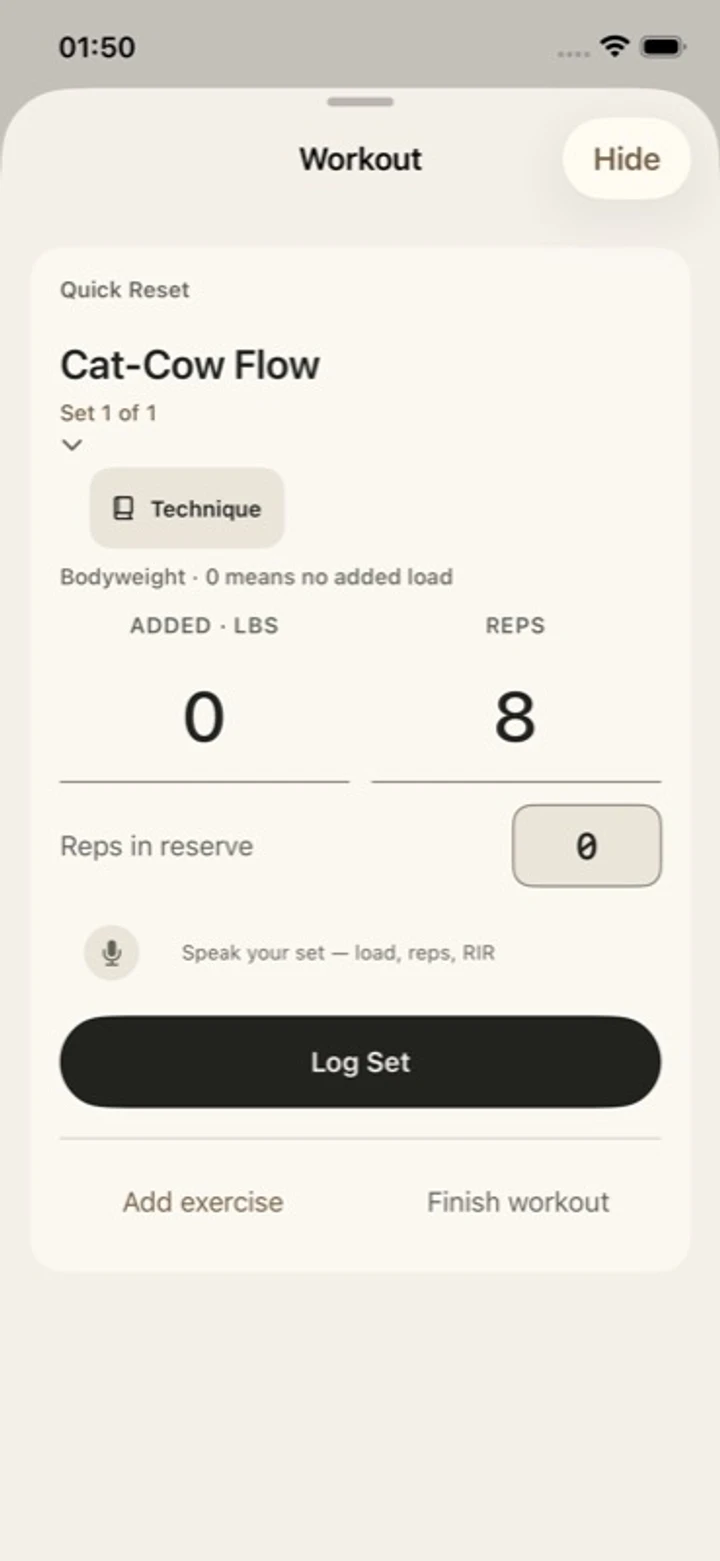
A coach. A conversation. Your next step.
Bring your goals, available time and previous workouts into one coaching conversation.
Open your workout from the Coach screen. Log a set, follow your rest and return to the conversation.
Revisit saved workouts and dated measurements. Pick up where you left off.
Inside the app
Choose what fits today, then open your workout when you’re ready. Explore native development screens with fictional sample data.
Native development captures from October 2026, using fictional sample data.
This preview changes screens; it does not record a workout.
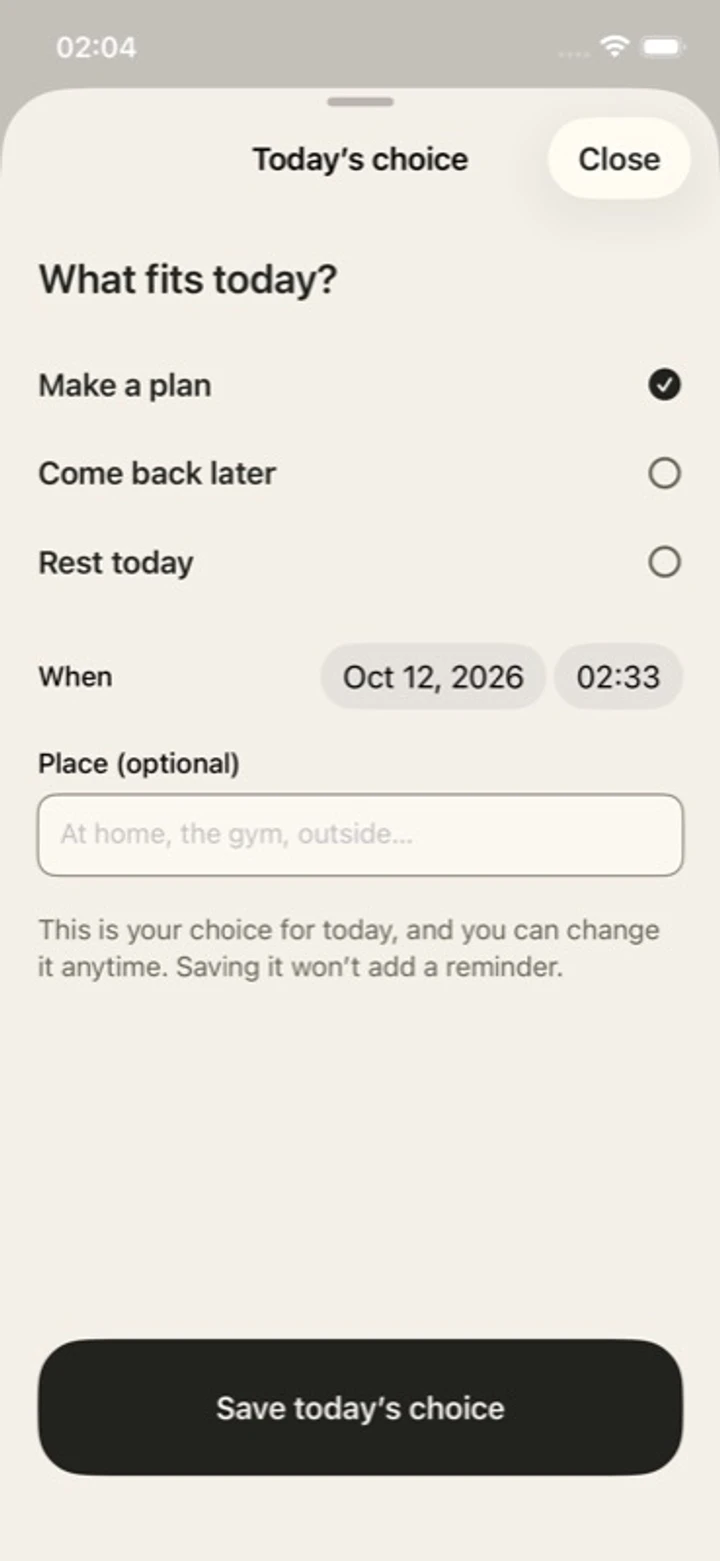
Your day can begin with one choice.
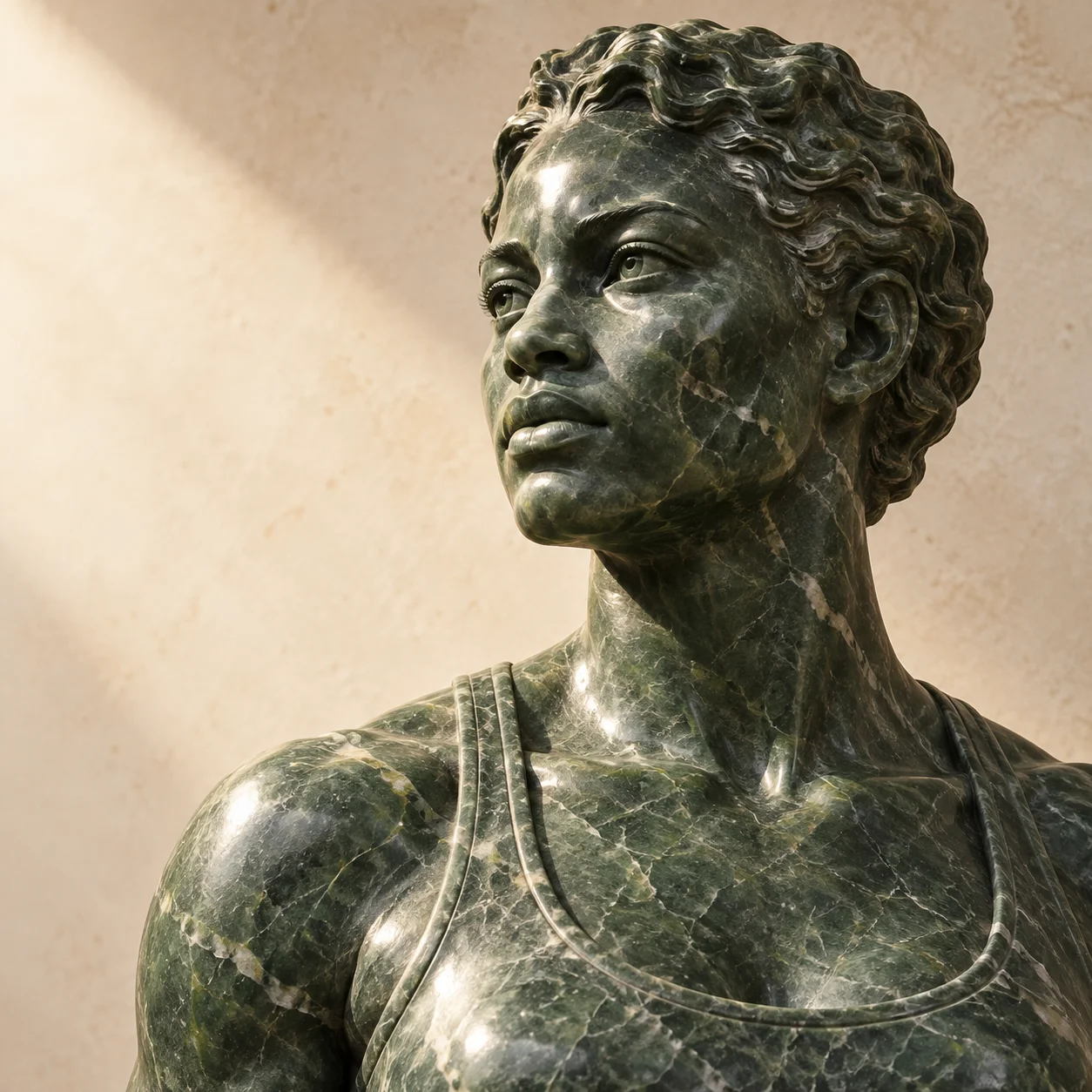 YOUR TRAINING.
Built around your day
What you’re working toward. What you trained last time. How you feel today. Give your coach a useful starting point.
Your goals & timeMake room for training in the life you have.
Your recent trainingKeep the previous session in the conversation.
Your check-inShare how you feel. Add available Apple Health readings if you choose.
No wearable required. Available Health readings depend on your device, source app and permissions.
Your progress, over time
A finished workout. A new measurement. Something worth remembering. Keep the records behind your progress in one place.
Training and body history.
With dates you can return to.
Meal logging, protein targets and optional voice guidance support the same practice.
Follow the next chapter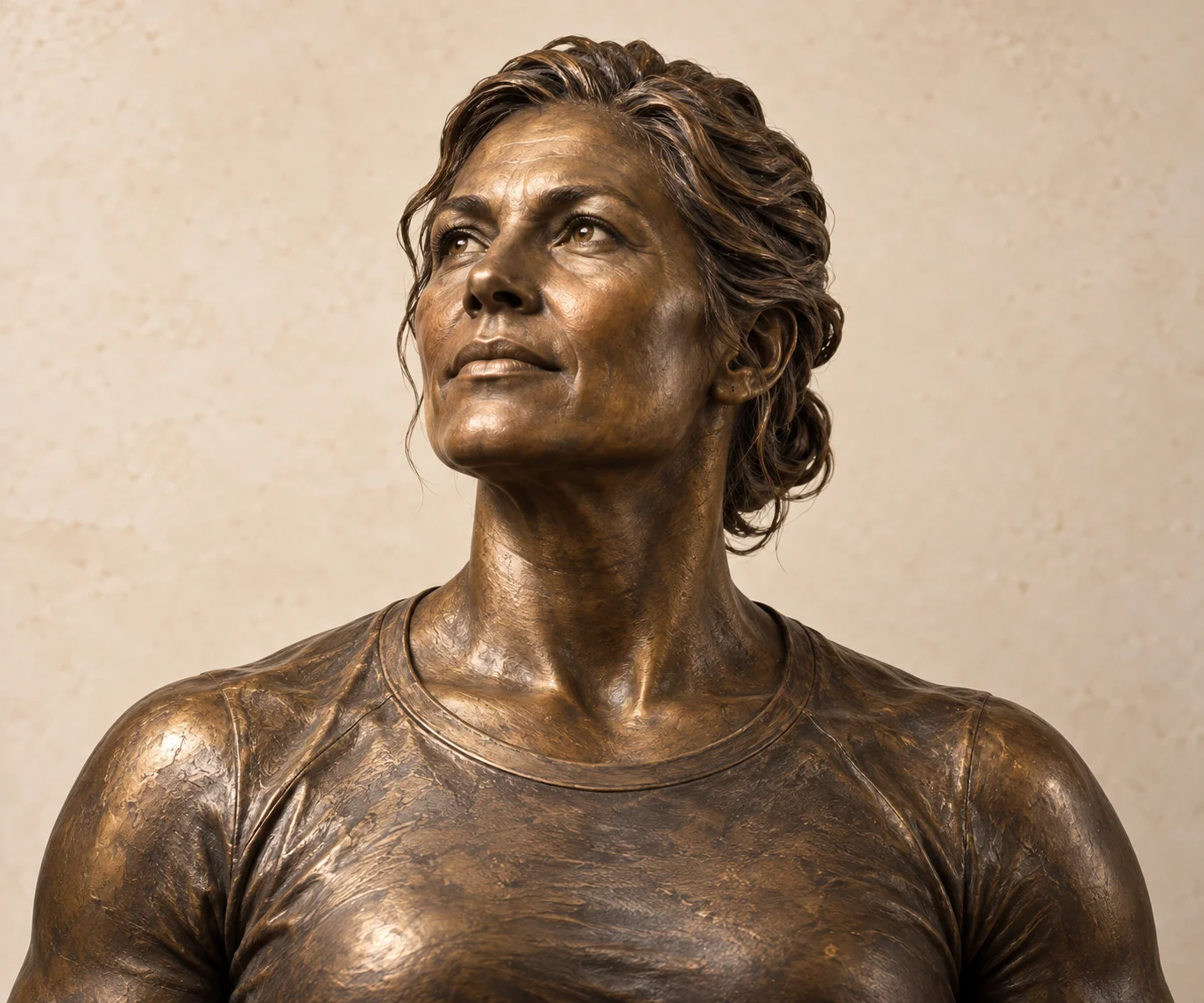
Original sculpture artwork.
Personal means yours
Coaching uses AI and the context you share. Apple Health is optional, and you can review the coach’s saved memory.
Early-access privacyYour next chapter
Be part of what comes next.
Join the SCVLPT list for iPhone access and launch updates. The app is in development.
What we’re exploring next
We’re exploring a personal 3D sculpture informed by measurements and optional photos, and camera-assisted exercise feedback. Both are future concepts.
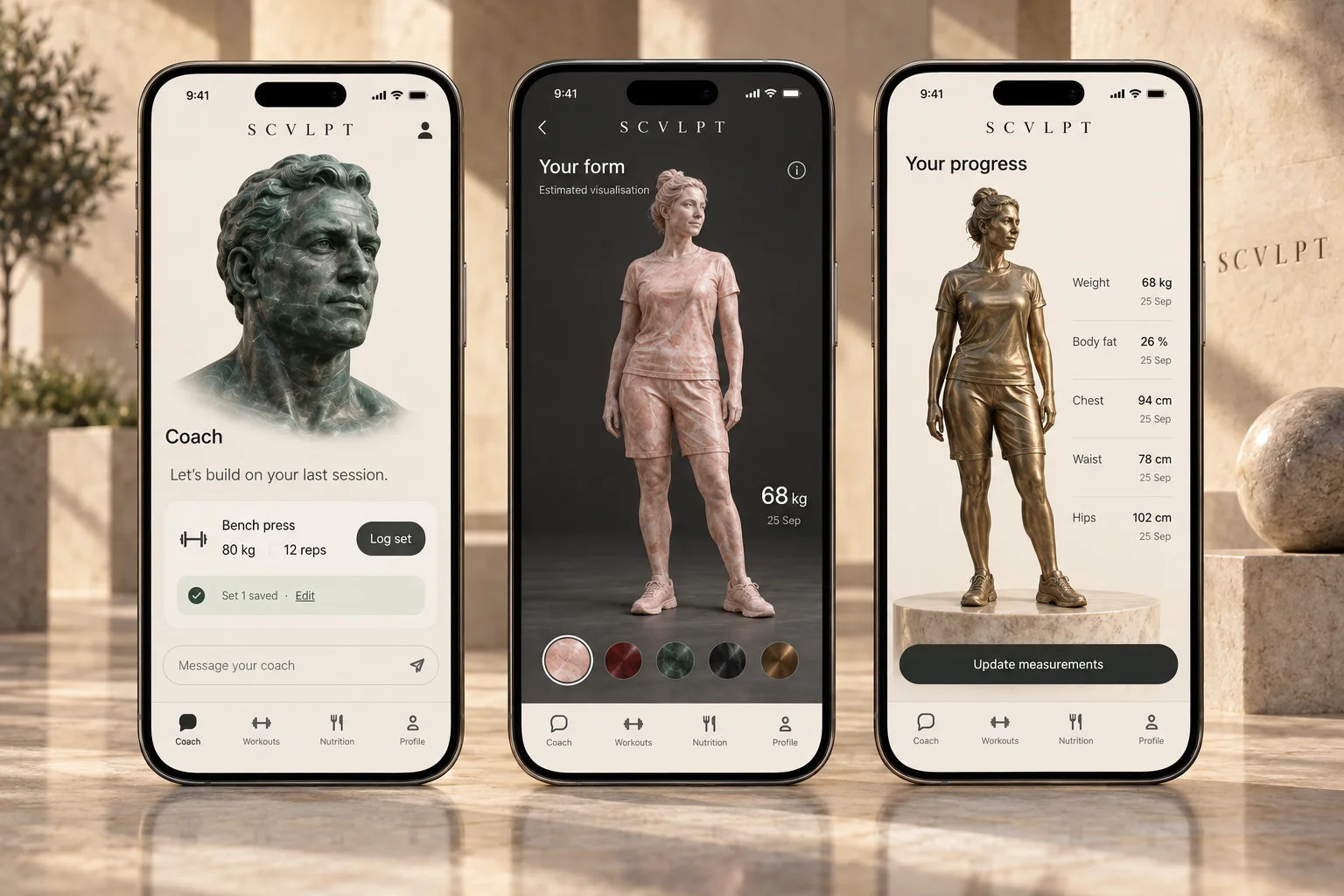
Pink and green marble. Deep red stone. Bronze and steel. Material is a personal choice, open to everyone.
A few useful answers
SCVLPT is in development for iPhone. Join for access and launch updates. Joining the list does not provide immediate app access.
That is who we are building for: people who want to get stronger again and fit training into real life. Your goals, available time and training experience give the coach a starting point.
No. You can use manual check-ins. Optional Apple Health access adds available activity, sleep and recovery context; readings depend on your device, source app and permissions.
Joining the list is free. Subscription prices and any trial terms will be confirmed before paid access opens. You will see the applicable terms before subscribing.